


Caption
AI Companionship
Pair text with an image to focus on your chosen product, collection, or blog post. Add details on availability, style, or even provide a review.

Caption
Printing Magic
Pair text with an image to focus on your chosen product, collection, or blog post. Add details on availability, style, or even provide a review.

Caption
Printing Magic
Pair text with an image to focus on your chosen product, collection, or blog post. Add details on availability, style, or even provide a review.

Caption
Environmental friendly
Pair text with an image to focus on your chosen product, collection, or blog post. Add details on availability, style, or even provide a review.
FAQS
How do I load paper?
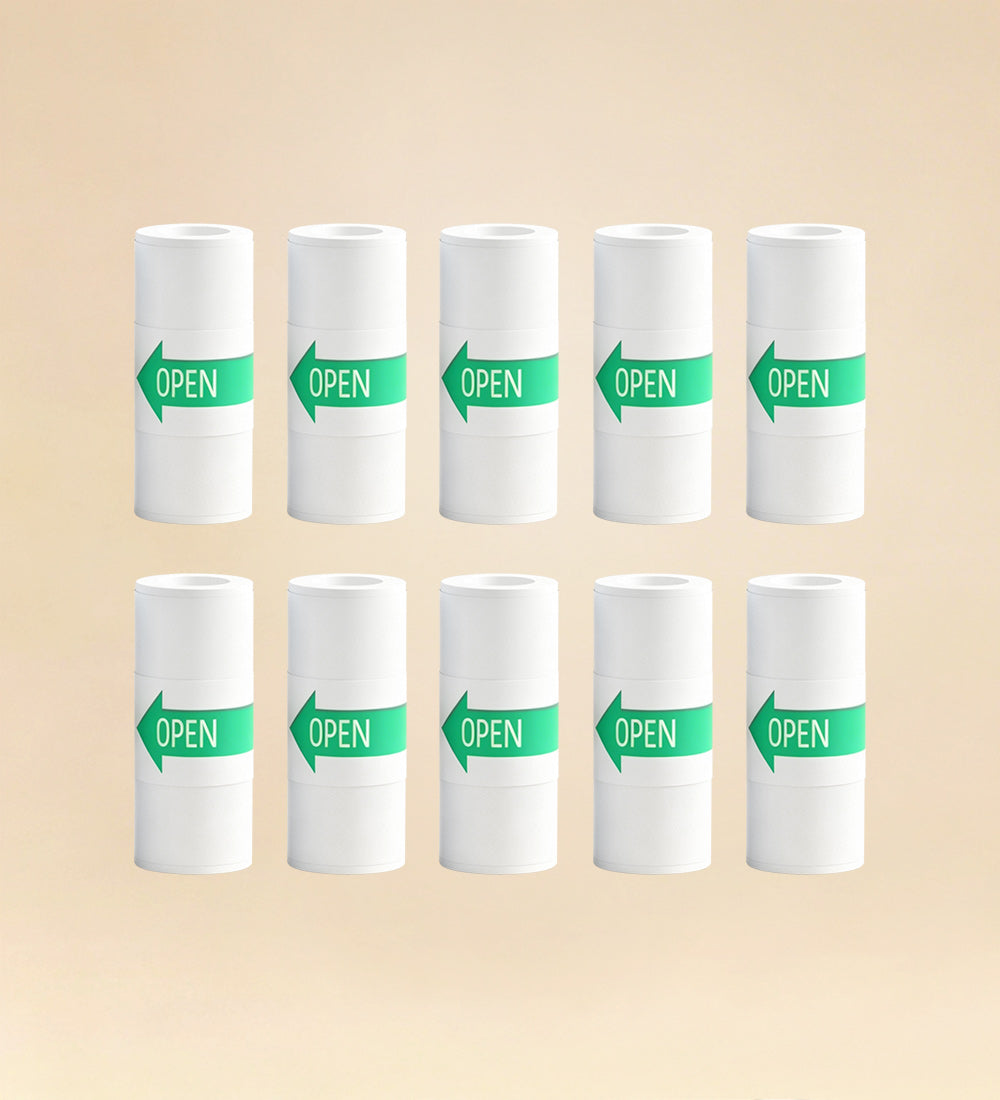
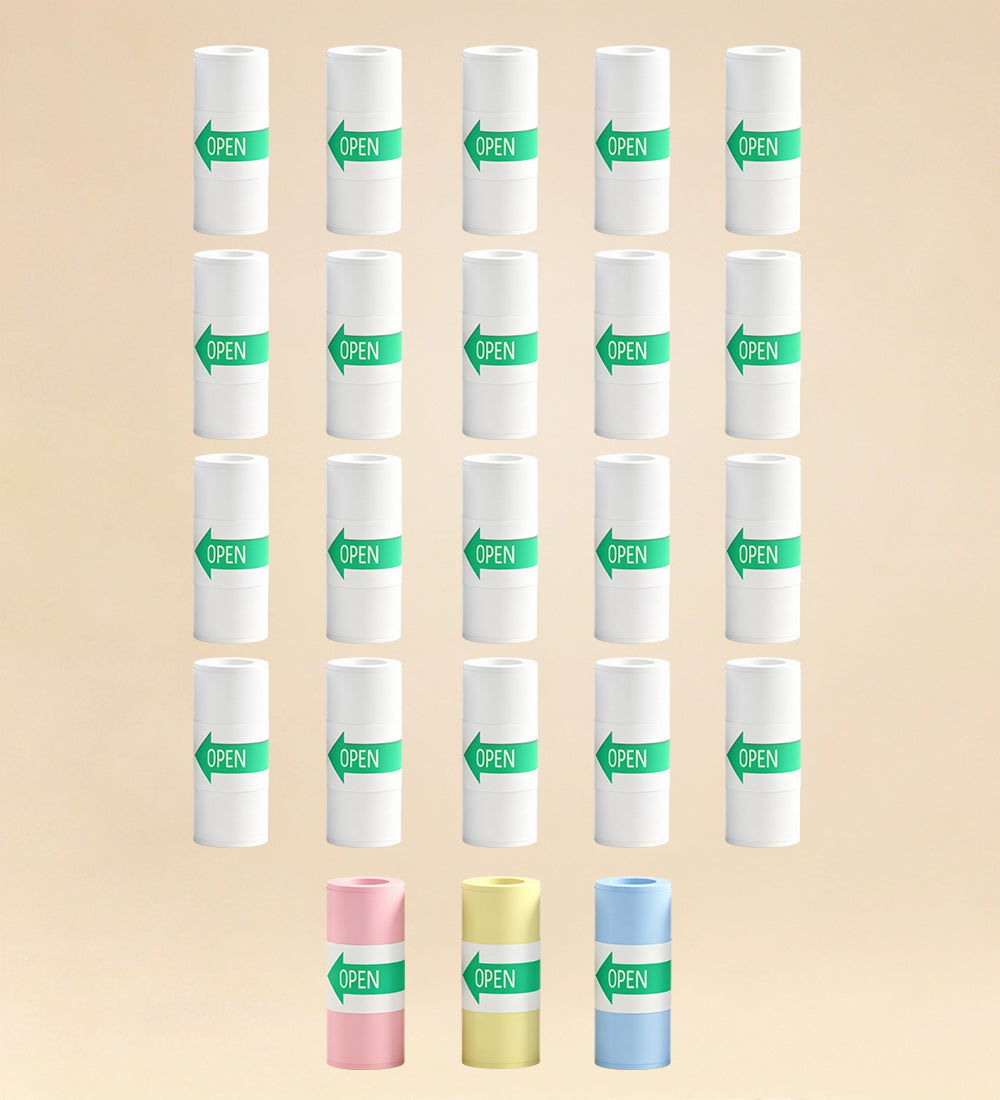
Push up on the door from underneath and drop in the paper roll with the printable side facing forward. Snap door closed with a bit of paper peeking out the top.
Can I use languages other than English?
Yes. FancyFish understands multiple languages. Speak clearly in whichever one you prefer.
Is FancyFish always listening?
No. FancyFish only listens when the top button is pressed.
Does FancyFish store or share the voice data?
No. FancyFish does not store voice data for extended periods of time and does not share any personal information
Does it run on batteries?
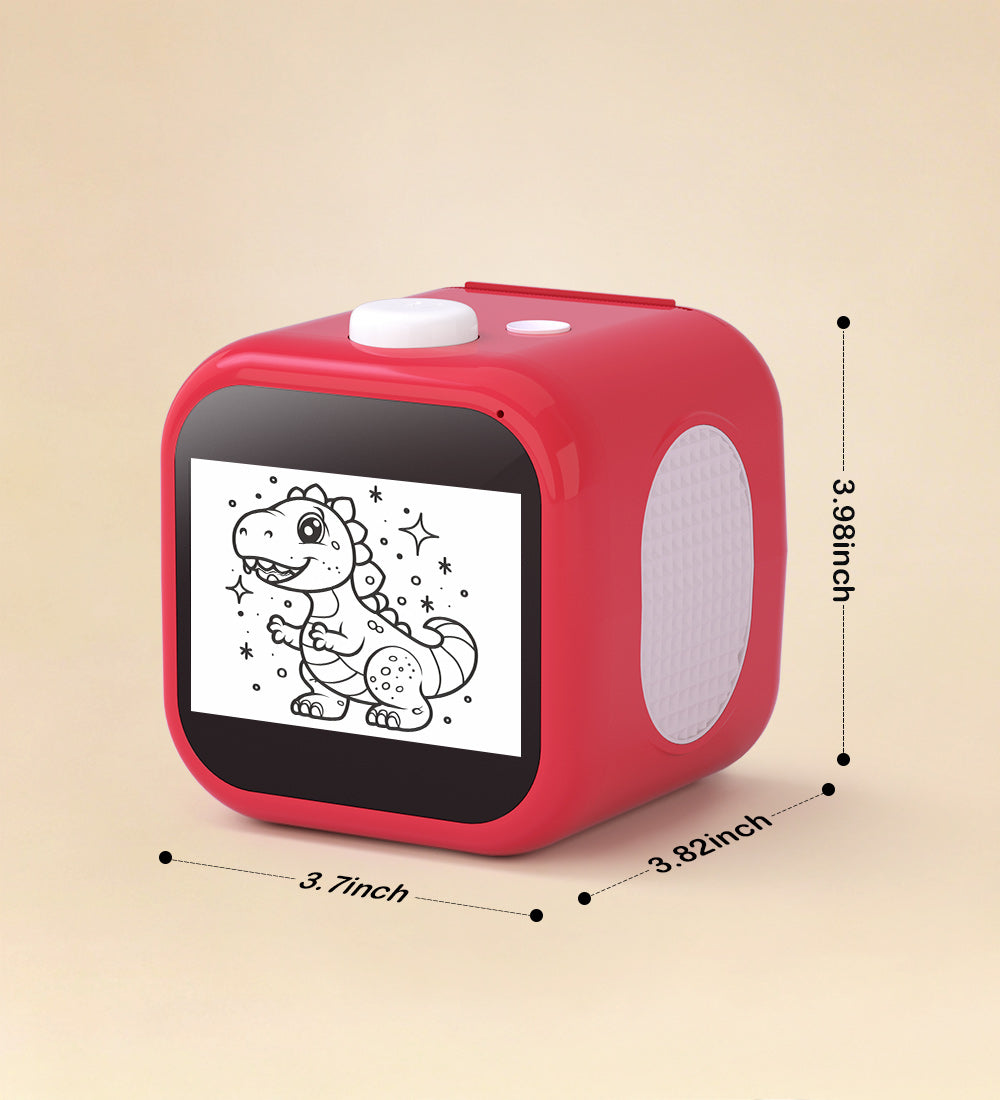
Yes! It features a built-in rechargeable battery for portable, cord-free fun. Includes a USB-C charging cable.
How do I tear the sticker paper?
FancyFish paper is designed to tear cleanly.
After your sticker finishes printing, grasp the top left corner of the paper and quickly pull forward and down towards you. The paper will tear along the serrated plastic edge. Pulling quickly and at a slight angle helps get the cleanest cut. You may need to hold the Stickerbox still with your other hand. The serrated edge does the work, so kids don’t need scissors!